
CS2 2D demo viewer in your browser
Drop a .dem file and watch the round from above. No account needed, and the file stays on your computer.
Drop a .dem file here
A CS2 .dem file, up to 600 MB.
Good to know
What the 2D replay shows
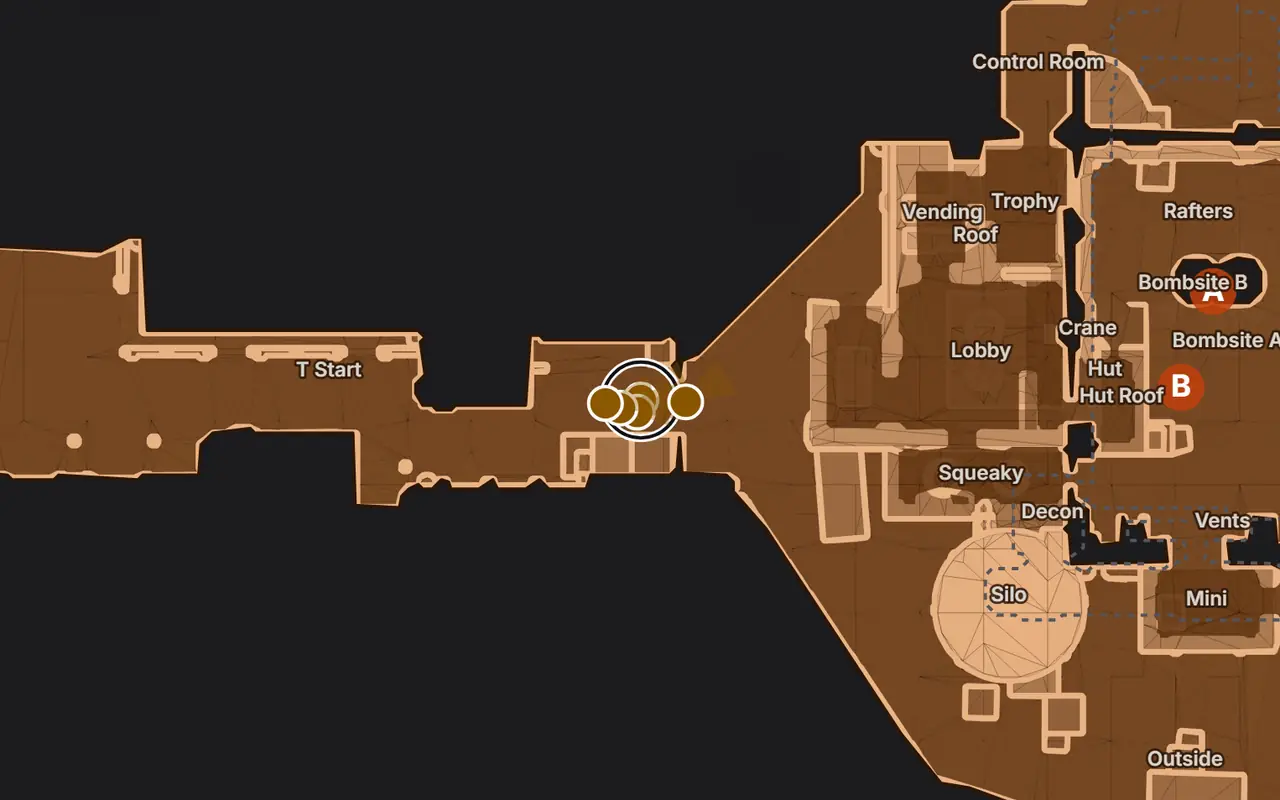
We draw our own vector maps. The replay does not use radar images from the game files.
- Positions of all players on the map, marked T and CT.
- A round clock like the one in the game, counting down from 1:55. After the plant, the bomb timer counts down 40 s.
- Grenade throws with landing spots, with molotov fire told apart from incendiary fire.
- Callouts, the place names from the game, next to each player.
- A round timeline and a text list of events in each round.
- A camera that follows the player you choose and, after their death, the nearest living player.
Works with FACEIT, Premier and scrim demos
The replay reads CS2 .dem files: Premier and Competitive matches downloaded in the game, FACEIT matches and scrims recorded on your own server. Match rules such as freeze time come from the demo, because Premier, Competitive and scrims use different settings.
Your demo stays on your computer
Your browser parses the .dem file and the raw demo never leaves your computer. When you save the demo, only the data the replay needs goes to the server: positions, round events and grenade throws. The service does not read chat or voice.
If your computer or phone cannot handle a large demo, you can upload the raw file to the server. This option is available by invitation.
Keyboard controls
- Space pauses and resumes playback.
- Arrow keys move the round forward and back.
- The round event list describes in text what the map shows, so you can follow the replay with a screen reader.
From replay to execution report
The replay shows what happened in the round. The execution report compares it with the plan from the tactics board and shows which roles and nades were on time.
Where are my CS2 demos saved?
CS2 saves the demos you download in the game to the game/csgo/replays folder of the game install: Steam/steamapps/common/Counter-Strike Global Offensive. You can download a Premier or Competitive match from your match history in the game while Valve keeps its demo.
How do I download a FACEIT demo?
You download the demo from the match page on FACEIT. The guide walks you through the steps.
How large can a demo be?
We plan a limit of 600 MB per .dem file. A large demo needs a lot of memory, so on a weaker computer the service will offer parsing on the server.
Is it free?
Yes. The 2D replay and demo upload with parsing in your browser are free for everyone. Parsing on the server is available by invitation.